
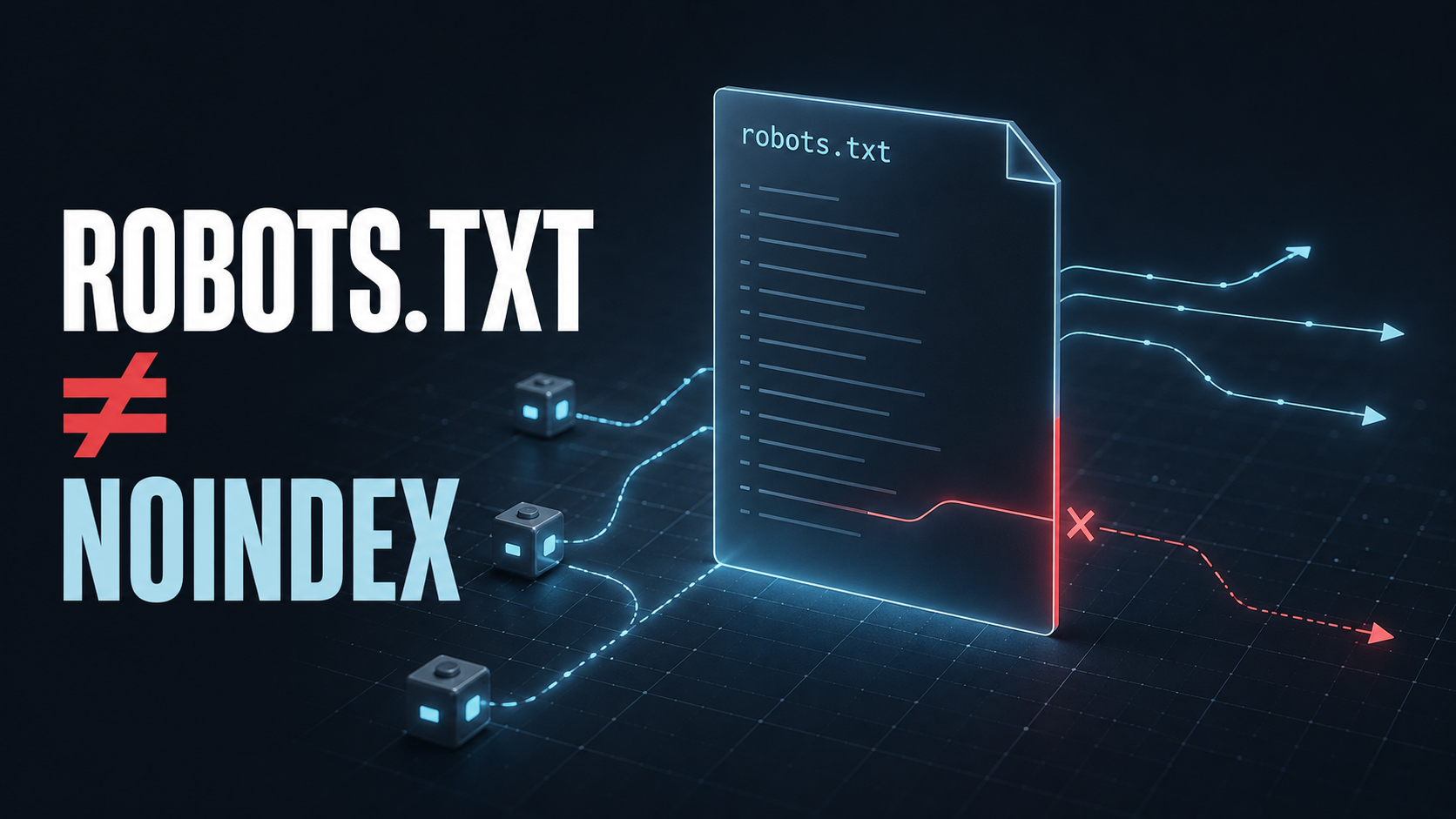
A one-line mistake in robots.txt can hide an entire website from crawlers. A perfect file, however, will not push a site to the top of Google.
That is the right way to think about robots.txt: it is a crawl-control mechanism, not a ranking switch. It tells compliant bots which URLs they may request. It can reduce wasted crawling, keep search bots away from low-value URL spaces, and publish the location of your XML sitemap. It cannot secure private information, reliably remove a web page from search results, or fix duplicate content by itself.
This guide explains how to use robots.txt safely, including practical patterns for WordPress, ecommerce filters, staging environments, and AI crawlers.
What does robots.txt actually do?
A robots.txt file contains instructions for automated crawlers. Before requesting pages from a host, a compliant crawler normally checks the file and applies any rules addressed to its user agent.
Its main job is simple:
- allow or disallow crawling of URL paths;
- apply different rules to different crawlers;
- point crawlers to one or more XML sitemaps.
Google describes robots.txt primarily as a way to manage crawler traffic and avoid overloading a site—not as a mechanism for keeping a page out of search results. A blocked URL may still appear in Google if it is discovered through links, even though Google cannot crawl its content.
The practical distinction is between discovery, crawling, indexing, and ranking:
| Stage | What happens | Does robots.txt control it? |
|---|---|---|
| Discovery | A search engine learns that a URL exists | No. Links and sitemaps can still reveal it |
| Crawling | A bot requests the URL and downloads the response | Yes, for compliant crawlers |
| Indexing | The engine evaluates and stores the content | Not reliably |
| Ranking | The indexed page competes in search results | No direct control |
This is why “block it in robots.txt” is often the wrong answer to an indexing, privacy, or canonicalization problem.
Which tool should you use instead?
Start with the outcome you need, then choose the control that matches it.
| Goal | Best primary control | Why |
|---|---|---|
| Reduce crawling of low-value URL patterns | robots.txt | Stops compliant bots before they request those URLs |
| Keep a public page out of search results | noindex meta tag or X-Robots-Tag | The crawler can read an explicit indexing instruction |
| Protect private or sensitive content | Authentication and authorization | Robots.txt is public and voluntary |
| Merge duplicate URL signals | Redirects or rel="canonical" | Identifies or enforces the preferred URL |
| Remove a deleted page permanently | 404 or 410 response | Clearly tells crawlers the resource is gone |
| Pause a site during maintenance | 503 Service Unavailable with Retry-After | Signals a temporary outage without creating a lasting crawl block |
| Help search engines discover preferred pages | XML sitemap and internal links | Provides positive discovery signals |
| Slow abusive or non-compliant bots | Firewall, CDN, rate limiting, or server rules | Robots.txt cannot enforce access |
One especially common error is combining Disallow with noindex on the same URL. If Google cannot crawl the page, it cannot see the noindex instruction. The URL may therefore remain in search results. Google’s official noindex documentation explicitly warns about this conflict.
Where should the robots.txt file live?
The file must be available at the root of the exact host it controls:
https://example.com/robots.txtRules are scoped by protocol, host, and port. A file at https://example.com/robots.txt does not control https://shop.example.com/, and it does not apply to a different port. Each subdomain that needs crawler rules requires its own robots.txt file.
A blog installed in a subdirectory is different. If the blog lives at https://example.com/blog/, its rules still belong in https://example.com/robots.txt, because /blog/ is a path on the same host—not a separate host.
The file should:
- be named exactly
robots.txt; - return a successful HTTP response;
- be plain text encoded as UTF-8;
- remain publicly accessible without authentication;
- contain one directive per line.
How does robots.txt syntax work?
A basic file can be very small:
User-agent: *
Allow: /

Sitemap: https://example.com/sitemap.xml
This allows general crawling and publishes the sitemap location. Because crawling is allowed by default, the Allow: / line is optional, but keeping it can make intent obvious to humans reviewing the file.
The core directives are:
User-agentidentifies the crawler or crawler group.Disallowdefines a path the crawler should not request.Allowcreates an allowed exception, usually inside a broader blocked path.Sitemapprovides the full URL of an XML sitemap.
For example:
User-agent: *
Disallow: /private-reports/
Allow: /private-reports/public-summary.html

Sitemap: https://example.com/sitemap_index.xml
Paths are case-sensitive. /Admin/ and /admin/ can be different URLs. Google supports * as a wildcard and $ as an end-of-URL marker in path rules, but complex patterns should be used sparingly because different crawlers may interpret nonstandard behavior differently.
What is a safe robots.txt file for WordPress?
A conservative WordPress starting point is:
User-agent: *
Disallow: /wp-admin/
Allow: /wp-admin/admin-ajax.php

Sitemap: https://example.com/sitemap_index.xml
Replace the sitemap URL with the one generated by WordPress or your SEO plugin. Do not blindly block /wp-content/, /wp-includes/, CSS, JavaScript, images, or plugin assets. Search engines may need those resources to render and understand pages correctly.
WordPress sites can also create low-value URL spaces through internal search, calendar archives, author archives, tag archives, attachment pages, or plugin-generated parameters. Whether these should be blocked, redirected, canonicalized, or marked noindex depends on how the site uses them. There is no universal “perfect WordPress robots.txt” copied from a template.
How should ecommerce sites handle filters and parameters?
Ecommerce platforms can generate thousands or millions of URL combinations from filters, sorting, pagination, session identifiers, and tracking parameters. A crawler might spend significant time requesting combinations that have little independent search value.
Examples include:
/products?sort=price
/products?color=black&size=m
/search?q=running+shoes
Robots.txt can sometimes reduce crawling of predictable, low-value patterns. But a broad rule copied from another store can also block useful category, pagination, localization, or campaign pages.
Use this sequence before adding a rule:
- Export the real URL patterns from server logs, a crawler, analytics, and Search Console.
- Separate URLs that attract demand from URLs created only by interface state.
- Decide which pages should be indexable, canonicalized, redirected, or removed.
- Add robots.txt rules only for URL spaces that genuinely do not need crawling.
- Test representative allowed and blocked URLs before deployment.
- Monitor organic landing pages, crawl statistics, and index coverage after release.
For most small websites, crawl budget is not the first SEO bottleneck. Weak content, poor internal linking, accidental noindex, broken canonical tags, slow responses, and thin category pages are usually more important. Crawl optimization becomes more relevant when the site has a large, frequently changing URL inventory or an effectively infinite faceted-navigation space.
Does robots.txt fix duplicate content?
No. Blocking a duplicate URL prevents the crawler from seeing the page and its canonical tag. It can also leave the search engine with less information about the relationship between duplicates.
Use the mechanism that fits the situation:
301redirect when the alternate URL should no longer be used;rel="canonical"when multiple accessible variants must exist but one is preferred;- consistent internal links pointing to the canonical URL;
- sitemap entries containing only canonical URLs;
noindexfor accessible pages that should not appear in search, when consolidation is not the goal.
Robots.txt may reduce crawling after the duplicate strategy is already clear, but it should not be the strategy itself.
Can robots.txt protect sensitive pages?
No. The file is public, and malicious bots can ignore it. In fact, listing a sensitive path in robots.txt advertises that the path exists.
Customer accounts, invoices, internal dashboards, exports, backups, and staging systems should be protected with authentication and server-side authorization. Files that should never be public should not rely on obscurity, an unlinked URL, or a crawler directive.
For staging environments, use password protection or network access controls. This prevents both indexing accidents and unauthorized human access. A robots.txt block can be added as a secondary signal, but it is not the security boundary.
Should you block AI crawlers?
AI crawler policy is now a separate content-governance decision. Do not treat every AI-related user agent as if it performs the same job.
For example, OpenAI documents two independent crawlers:
OAI-SearchBotis used to surface websites in ChatGPT search results.GPTBotis used for content that may support training of generative AI foundation models.
A publisher can therefore allow discovery in ChatGPT search while opting out of GPTBot training access:
User-agent: OAI-SearchBot
Allow: /

User-agent: GPTBot
Disallow: /

User-agent: *
Allow: /

Sitemap: https://example.com/sitemap.xml
Crawler names and policies can change, so verify them against each provider’s current documentation rather than copying an old list. OpenAI’s crawler documentation explains the current distinction between search, training, and user-initiated access.
The strategic question is not simply “AI: allow or block?” It is:
- Do you want the content discoverable and citable in AI search?
- Do you permit automated use for model training?
- Which traffic or licensing trade-off is acceptable?
- Can your infrastructure enforce the policy against bots that ignore robots.txt?
Robots.txt expresses a preference to compliant crawlers. It is not a universal licensing or enforcement system.
What robots.txt mistakes cause the most damage?
Blocking the entire production site
This line prevents compliant crawlers from requesting every URL:
User-agent: *
Disallow: /
It is useful in very limited situations but disastrous when a staging configuration reaches production.
Trying to use robots.txt as noindex
Google does not support a Noindex: directive in robots.txt. Use a robots meta tag or X-Robots-Tag response header and leave the URL crawlable until the instruction is processed.
Blocking render-critical assets
Blocking CSS or JavaScript can stop a search engine from rendering the page as users see it. That can interfere with content understanding and mobile evaluation.
Copying an ecommerce template without checking URLs
The same parameter can mean “harmless sort order” on one platform and “valuable product variant” on another. Rules must be based on the site’s actual routing logic.
Assuming crawl-delay works everywhere
Crawl-delay is not a universal standard directive, and Google does not support it in robots.txt. If a crawler is creating operational problems, use that crawler’s controls where available, improve capacity, or enforce rate limits at the CDN or server layer.
Forgetting host boundaries
Rules on the root domain do not automatically apply to subdomains. Audit www, non-www, shop, app, help center, and staging hosts separately.
Editing without a rollback plan
Google generally caches robots.txt, so a repaired file may not change crawler behavior immediately. Record the previous version, deployment time, owner, and rollback step before changing production rules.
How do you safely audit and deploy a robots.txt change?
Treat the file like production configuration, not like a casual SEO note.
1. Define the exact problem
Write down the affected crawler, URL pattern, current behavior, and desired behavior. “Improve SEO” is not a testable objective. “Stop Googlebot crawling internal search-result URLs while keeping product and category pages accessible” is.
2. Collect evidence
Use server logs, Search Console reports, XML sitemaps, internal-link crawls, and platform routing rules. Confirm that the unwanted URLs are actually being crawled before adding restrictions.
3. Classify each URL group
For every pattern, decide whether it should be:
- crawlable and indexable;
- crawlable but
noindex; - redirected or canonicalized;
- removed with
404or410; - protected by authentication;
- disallowed from crawling.
4. Write the smallest possible rule
Prefer a narrow, explainable path over a clever wildcard. Add comments when the business reason will not be obvious later.
5. Test both sides of the boundary
For each new rule, test URLs that should be blocked and URLs that look similar but must remain allowed. Google provides a robots.txt report in Search Console, and its robots.txt documentation covers file requirements and testing.
6. Deploy and verify the response
Open /robots.txt in a private browser window. Confirm the final URL, HTTP status, content type, encoding, sitemap URL, and exact production contents.
7. Monitor the result
Record the deployment date. Watch crawl activity, indexing reports, organic landing pages, and server errors. A successful deployment means the intended URL space is crawled less without losing valuable pages from discovery or rendering.
Robots.txt audit checklist
Before approving the file, confirm that:
- the file is available at the root of every relevant host;
- production does not contain
Disallow: /by mistake; - key pages, categories, products, images, CSS, and JavaScript remain crawlable;
- blocked paths do not need Google to read a
noindexor canonical tag; - private content is protected by authentication, not robots.txt;
- sitemap URLs are absolute, correct, and accessible;
- rules reflect real URL patterns rather than a copied template;
- important allowed and blocked examples have been tested;
- the previous version and rollback method are documented;
- someone owns post-release monitoring.
Frequently asked questions
Does every website need a robots.txt file?
No. Crawling is allowed by default when no file exists. A minimal file is still useful for documenting intent and publishing the sitemap location.
Can a page blocked by robots.txt still appear in Google?
Yes. Google may discover the URL through links and show it without a normal content snippet. Use noindex, authentication, or removal depending on the real goal.
Should the XML sitemap be listed in robots.txt?
It is optional but useful. Use the fully qualified sitemap URL. The sitemap should contain canonical, indexable URLs—not every URL the platform can generate.
Is robots.txt a direct ranking factor?
No. It can improve crawl efficiency and prevent operational waste, but it does not assign ranking priority or authority to pages.
Can robots.txt stop scraper bots?
Only if those bots voluntarily comply. Use a CDN, web application firewall, rate limiting, authentication, and server-side controls when enforcement matters.
How quickly do changes take effect?
Not instantly. Crawlers cache robots.txt and refresh it periodically. Google says it generally caches the file for up to 24 hours, though errors and cache headers can affect that timing.
Final principle: control crawling, not visibility
The safest robots.txt file is usually short, intentional, and based on observed crawler behavior. Its value comes from preventing waste—not from performing SEO magic.
Use it to manage access to crawlable URL spaces. Use noindex for indexing decisions, canonical tags and redirects for duplicates, authentication for private data, HTTP status codes for removed or temporarily unavailable content, and infrastructure controls for abusive bots.
Before adding any rule, ask one question: Do I want this URL hidden, consolidated, secured, removed, or simply not crawled?
Only the last problem belongs primarily in robots.txt.